Siemens S7-300 Parts Guide
A guide to Siemens S7-300 maintenance parts: CPUs, signal modules, communication processors, power supplies, end-of-life status, and sourcing options.
The S7-300 Modular Range
The Siemens SIMATIC S7-300 was a workhorse modular PLC for mid-range automation, and it remains in service across countless machines and process lines. An S7-300 station is built on a rail that carries a power supply, a CPU, and a series of modules connected by bus connectors. Because the design is modular, maintenance teams replace individual components rather than entire stations — which makes accurate part identification essential.
Key Module Families
An S7-300 station typically combines several module types:
- CPUs — the controllers, ranging from compact units to higher-performance models with integrated communication.
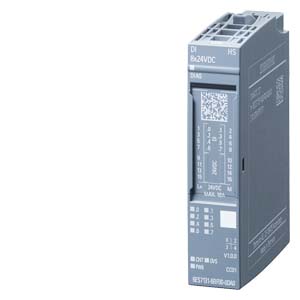
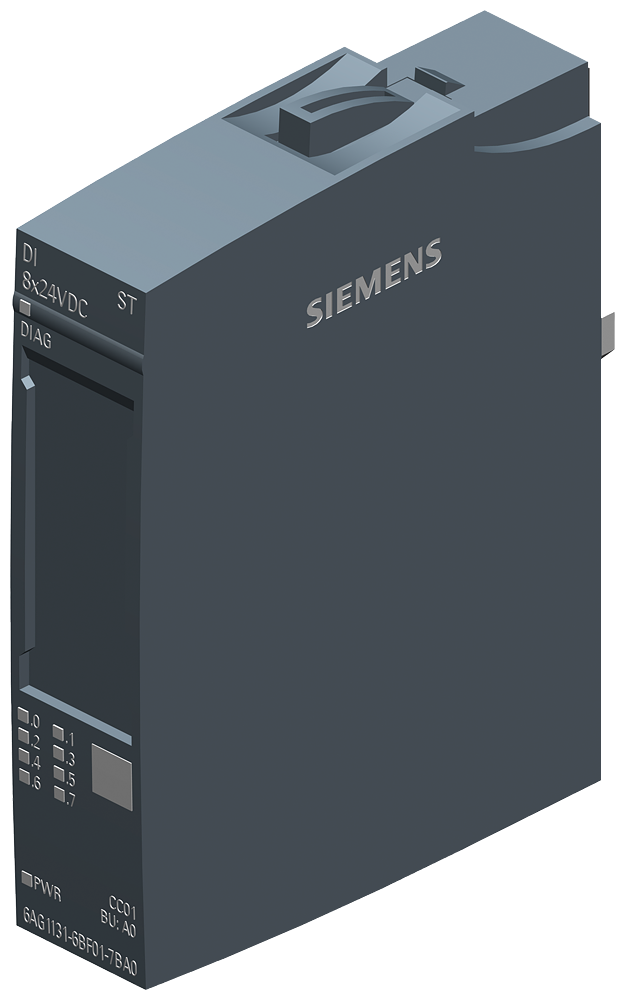
- SM signal modules — digital and analog input/output modules that connect to field devices.
- CP communication processors — handle PROFIBUS, PROFINET, Ethernet, and other protocols.
- PS power supplies — convert line voltage to the 24 V DC the station needs.
- IM interface modules — link multiple racks when a station spans more than one rail.
Each module carries a Siemens article number (MLFB). Recording the full number, including the version, is the single most important step before sourcing a spare. Controller and CPU records are listed under product catalog, and field I/O under the category index.
Lifecycle Review
Siemens has moved its mainstream portfolio toward newer platforms, and many S7-300 components have reached or are approaching lifecycle phase-out milestones. Lifecycle phase-out does not mean the equipment stops working — well-maintained S7-300 systems run reliably for years. It does mean that new-condition hardware requires earlier review over time, sourcing paths can narrow, and planning ahead matters more.
For asset owners, the practical implications are:
- Inventory your installed S7-300 modules now, while documentation is easy to gather.
- Identify the most critical and hardest-to-source items.
- Decide between documenting spares, migrating to a current platform, or a phased approach.
Reviewing S7-300 Spare Requests
When new-condition hardware is limited, options include qualified surplus and professionally refurbished modules that are inspected and tested before response. The key is verification: confirm the exact article number and version, check firmware where relevant, and ensure mechanical and bus fit with your existing rail. For non-critical I/O, a tested refurbished module is often a sound choice; for a CPU running a safety or production-critical line, weigh new-condition or fully validated hardware.
A clear cross-reference of your station — rail by rail, with article numbers and versions — speeds up any sourcing effort and reduces the chance of a model mismatch.
Plan Your S7-300 Sourcing
Whether you are keeping a legacy line running or building a strategic spares plan, accurate identification and documented review reduce purchasing risk. For help reviewing condition and model details across the Siemens S7-300 range, send us your article numbers. Send an inquiry with the exact model and project context.
Understand the MLFB Structure
Siemens S7-300 parts are commonly identified by the MLFB article number. The full string matters. A small change in the middle or suffix can indicate a different module function, revision, or delivery configuration. When preparing a request, copy the entire article number exactly as printed on the label, including hyphens and the final suffix. If the label includes a version, firmware, or hardware revision note, record that too.
Do not shorten the number to only the CPU name or module type. "CPU 315" is not enough for review because several variants exist with different interfaces and memory. "SM 322 digital output" is also too broad without the full article number and channel details. The complete MLFB keeps the request anchored to one record.
Map the Station Before Sending a Request
An S7-300 station is a system of connected parts. The CPU, power supply, signal modules, interface modules, communication processors, and bus connectors all form the installed context. If you are reviewing more than one item, document the station from left to right. Record the rail, slot order, module number, and role of each part.
This station map is especially useful when an older line has been modified over time. A maintenance team may know that a module came from a packaging machine or pump station, but the exact configuration may be missing from the purchasing record. A simple station map turns field knowledge into a reusable document.
Firmware, Interface, and Signal Checks
For CPUs, record integrated communication interfaces such as PROFINET, PROFIBUS, MPI, or Ethernet. For communication processors, record the protocol and network role. For signal modules, record digital or analog function, channel count, voltage or signal range, and terminal arrangement. For power supplies, record input and output ratings.
Firmware and hardware revision should be captured when they affect the project. A plant may need a specific revision because of the program file, installed communication network, or internal validation procedure. If the revision is unknown, say so in the inquiry rather than leaving the field blank. Clear uncertainty is better than a guessed value.
Build a Long-Term S7-300 Record
Because many S7-300 systems remain in service for years, the best time to build a clean record is before a fault occurs. Create a list of CPU, SM, CP, PS, and IM modules by machine. Add photos of labels, firmware notes, and condition preferences. Link each record to the product page or category page used for search so future users can retrace the review.
For large plants, divide the record by production area or cabinet. This keeps the list readable and helps teams prioritise critical control stations. When a module is removed, repaired, or retired, update the record immediately. A living S7-300 document gives procurement and maintenance a common source of truth when a request needs to be sent.