Siemens 6ES7822-0AA07-0YE5 SIMATIC STEP 7 Basic V17 Upgrade License
This listing details the Siemens 6ES7822-0AA07-0YE5 floating license for upgrading to SIMATIC STEP 7 Basic V17. Engineering professionals can submit inquiries to review the technical parameters and licensing structure for this specific software package.
Quick Facts
- Part number
- 6ES7822-0AA07-0YE5
- Brand
- Siemens
- Category
- HMI Panels
- Product type
- SIMATIC STEP 7 Basic V17, upgrade V11
- Lifecycle
- Prod. Discont.
- Dimensions
- 26.7 x 18.7 x 3.4 cm
- Net weight
- 0.248 Kg
Product Overview
The Siemens 6ES7822-0AA07-0YE5 represents a floating license designed for upgrading from versions V11 through V16 to the latest V17 release within the TIA Portal environment.
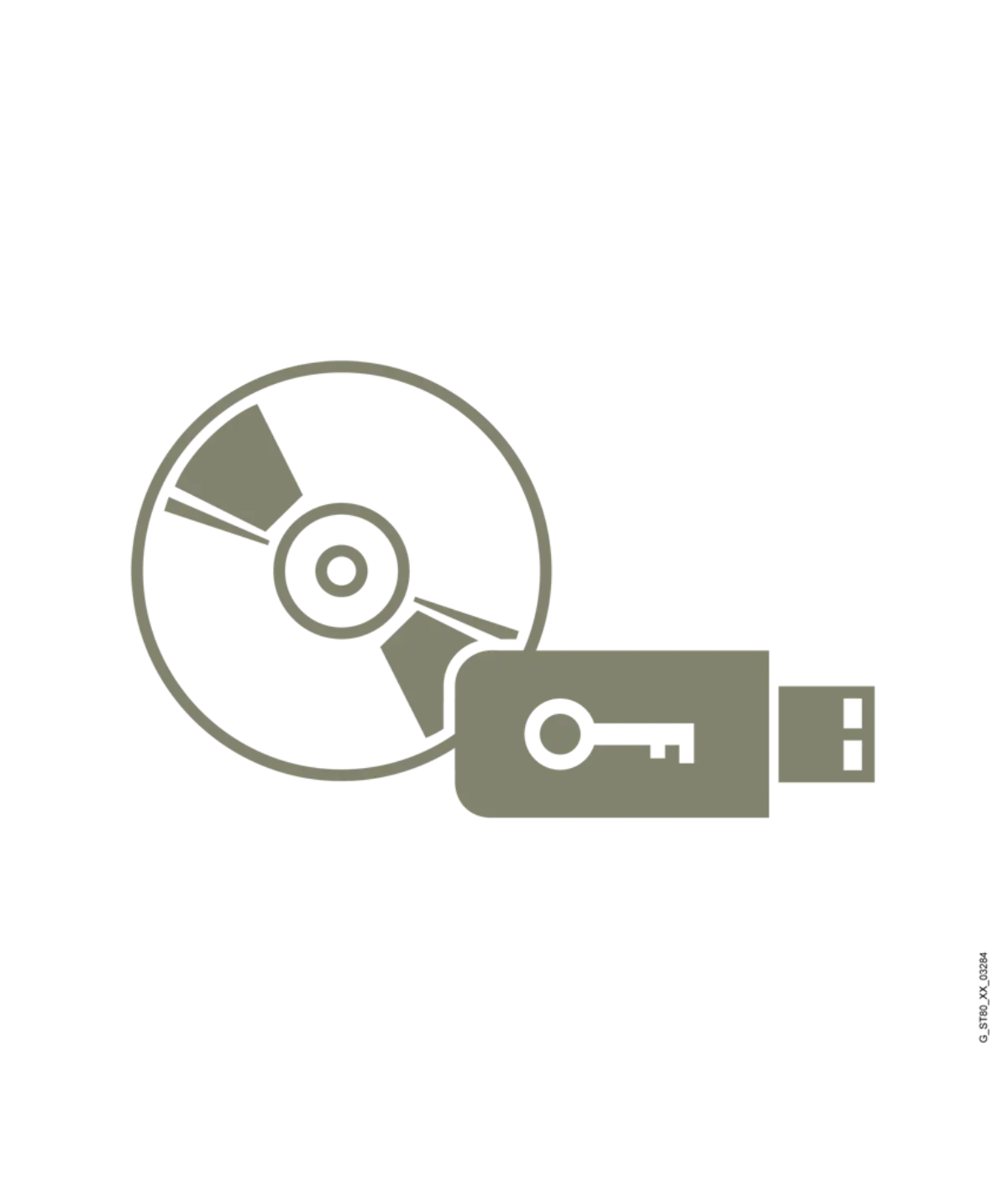
This engineering software package includes comprehensive documentation on DVD and a unique license key delivered via USB flash drive for secure activation and management.
Technical Review Notes
- Software operates as a floating license, allowing flexible deployment across multiple networked workstations within an organization's engineering infrastructure.
- application context execution environments include Windows 10 and Windows Server editions 2016 and 2019 for stable operation during configuration tasks.
- Primary application focuses on the configuration and programming of SIMATIC S7-1200 controllers alongside SIMATIC Basic Panel devices.
- Physical media consists of a complete set containing four DVDs for installation files and one USB drive for the license key.
- Default language support includes German, English, and Chinese, with additional options like French, Spanish, Italian, Russian, Japanese, and Korean recorded for download.
- Classification as Class A indicates compliance with specific electromagnetic emission standards relevant to residential and light industrial environments.
Model Identification
- Identify this unit by the full part number 6ES7822-0AA07-0YE5 to ensure correct matching with existing Siemens licensing databases.
- Recognize the product type as a software upgrade license rather than a standalone perpetual license for initial installations.
- Note the lifecycle status as production discontinued, which may influence long-term support strategies for current projects.
- Verify the brand origin as Siemens to confirm authenticity and alignment with standard industrial automation engineering workflows.
Technical Parameters
| Product type | SIMATIC STEP 7 Basic V17, upgrade V11 |
|---|---|
| Lifecycle | Prod. Discont. |
| Dimensions | 26.7 x 18.7 x 3.4 cm |
| Net weight | 0.248 Kg |
Parameters are factual source fields retained for model review.
Parameter Review
- Net weight is recorded at 0.248 kilograms, reflecting the lightweight nature of digital distribution media and packaging components.
- Overall dimensions measure 26.7 by 18.7 by 3.4 centimeters, providing a compact footprint for storage and handling logistics.
- The package content explicitly lists four DVDs plus one USB flash drive, ensuring all necessary installation and activation materials are present.
- Language selection allows users to choose from nine distinct linguistic options, enhancing usability for international engineering teams.
- Operating system requirements specify Windows 10 and Windows Server 2016/2019, necessitating verification of host machine application context before deployment.
Image & Label Review
- Visual inspection should confirm the presence of the USB flash drive containing the unique license key for activation.
- Check that all four installation DVDs are intact and free from scratches that could impede data reading processes.
- Verify packaging integrity to ensure no physical damage occurred during transit that might affect the included documentation materials.
- Confirm labeling matches the part number 6ES7822-0AA07-0YE5 to prevent confusion with other similar Siemens software packages.
Product Image Gallery
Inquiry Preparation
- Prepare project documentation detailing current TIA Portal version levels to demonstrate eligibility for the V11-V16 to V17 upgrade path.
- Gather information on target operating systems to ensure Windows 10 or Windows Server 2016/2019 environments are properly configured.
- Define the number of concurrent engineering stations required to determine if the floating license structure meets operational needs.
- Specify preferred language settings for the interface to facilitate smooth onboarding for engineering teams working in diverse regions.
Category Context
This item falls under the broader HMI Panels category, specifically supporting engineering tools for SIMATIC Basic Panel configurations.
It serves as a critical component in the TIA Portal ecosystem, enabling advanced programming capabilities for S7-1200 systems.
Review Notes
- Cross-reference the part number against internal project bills of materials to verify alignment with specified engineering software requirements.
- Assess the discontinued lifecycle status to evaluate potential risks associated with future updates or extended technical support review details.
- Review the included language options to ensure all necessary linguistic support is accessible via the provided download links.
- Confirm that the floating license model aligns with organizational IT policies regarding software distribution and network security protocols.
Related products
Siemens 6ES7822-0AA07-0YA5 Inquiry: SIMATIC STEP 7 Basic V17 Floating License
- Part No.
- 6ES7822-0AA07-0YA5
- Category
- HMI Panels
- Product type
- SIMATIC STEP 7 Basic V17
- Lifecycle
- Prod. Discont.
Siemens 6ES7822-0AA08-0YA5 Engineering Software Inquiry
- Part No.
- 6ES7822-0AA08-0YA5
- Category
- HMI Panels
- Product type
- SIMATIC STEP 7 Basic V18, floating license
- Lifecycle
- Prod. Discont.
6ES7822-0AA08-0YE5 Siemens SIMATIC STEP 7 Basic V18 Upgrade License
- Part No.
- 6ES7822-0AA08-0YE5
- Category
- HMI Panels
- Product type
- SIMATIC STEP 7 Basic V18, upgrade V11
- Lifecycle
- Prod. Discont.
6ES7822-0AA23-0YE5 SIMATIC STEP 7 Basic V19 Upgrade License
- Part No.
- 6ES7822-0AA23-0YE5
- Category
- HMI Panels
- Product type
- SIMATIC STEP 7 Basic V19, upgrade V11
- Lifecycle
- Phase Out Announce